
Turn your product photos into listing-ready images.
Choose a layout, add your product shots, overlay your branding, and export polished images in both 4:3 and 3:4 — no design tools, no server, all in your browser.
No sign-up · runs entirely in your browser
How it works
Four steps from blank canvas to polished listing images.
Pick a layout
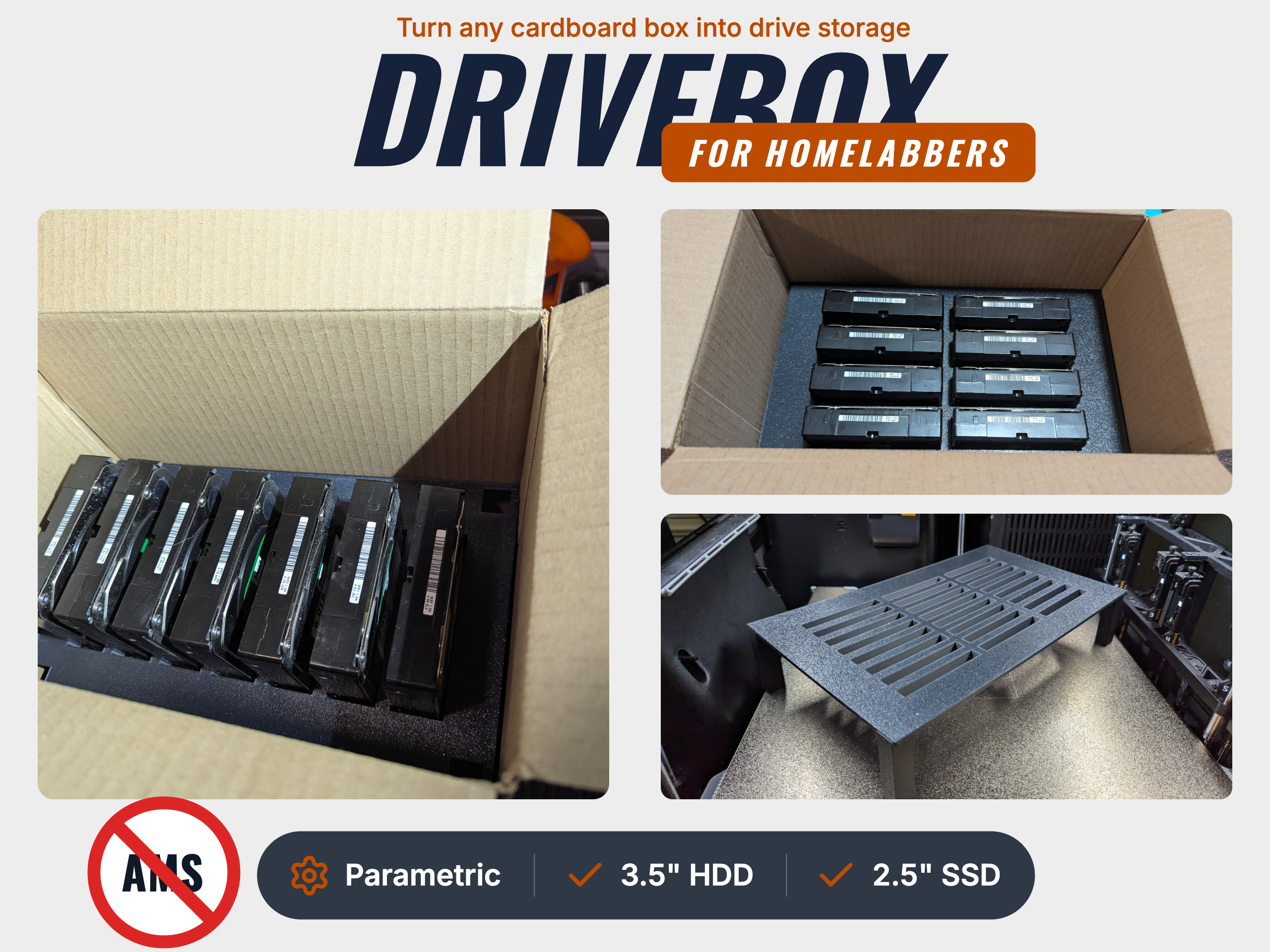
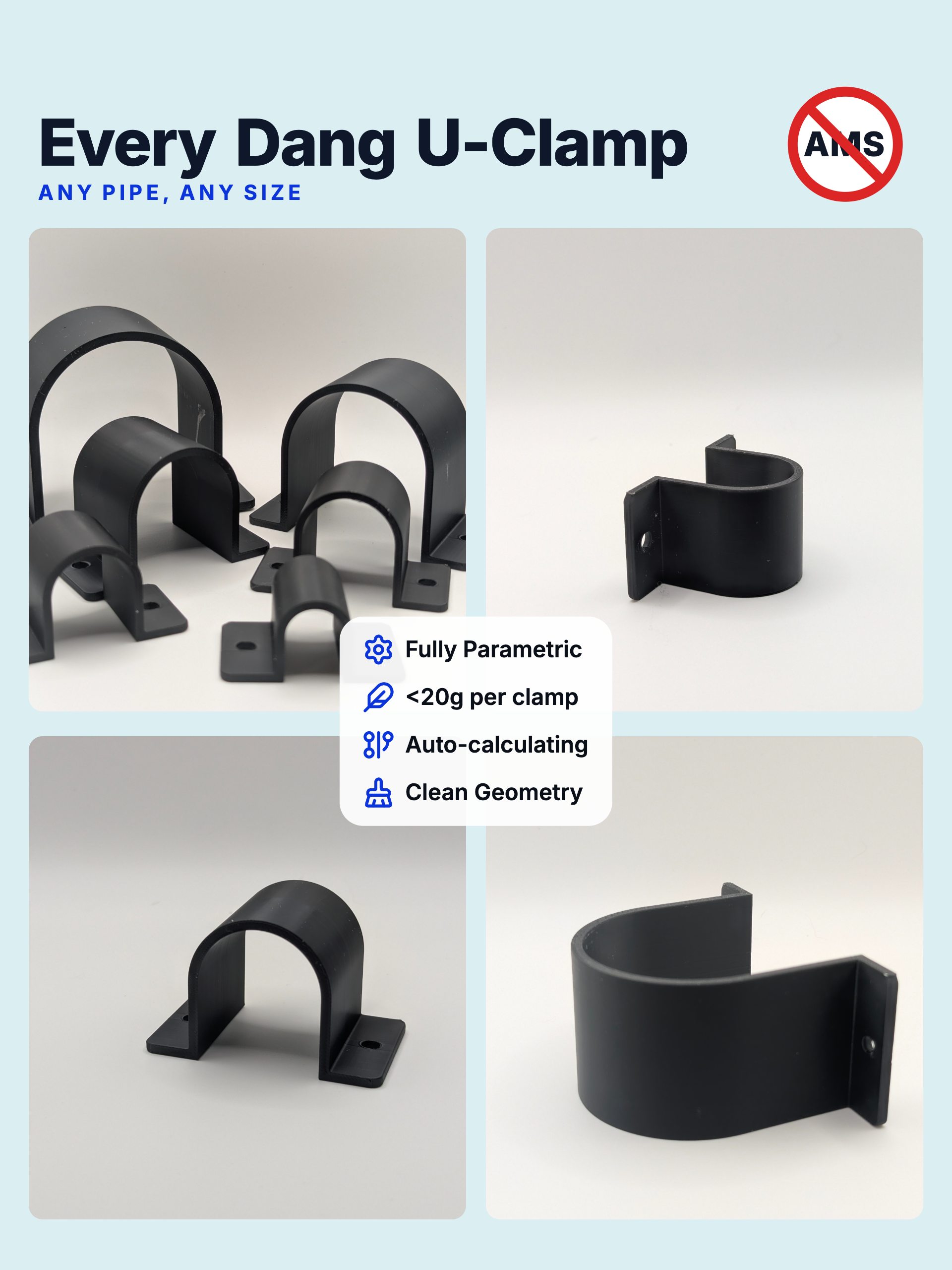
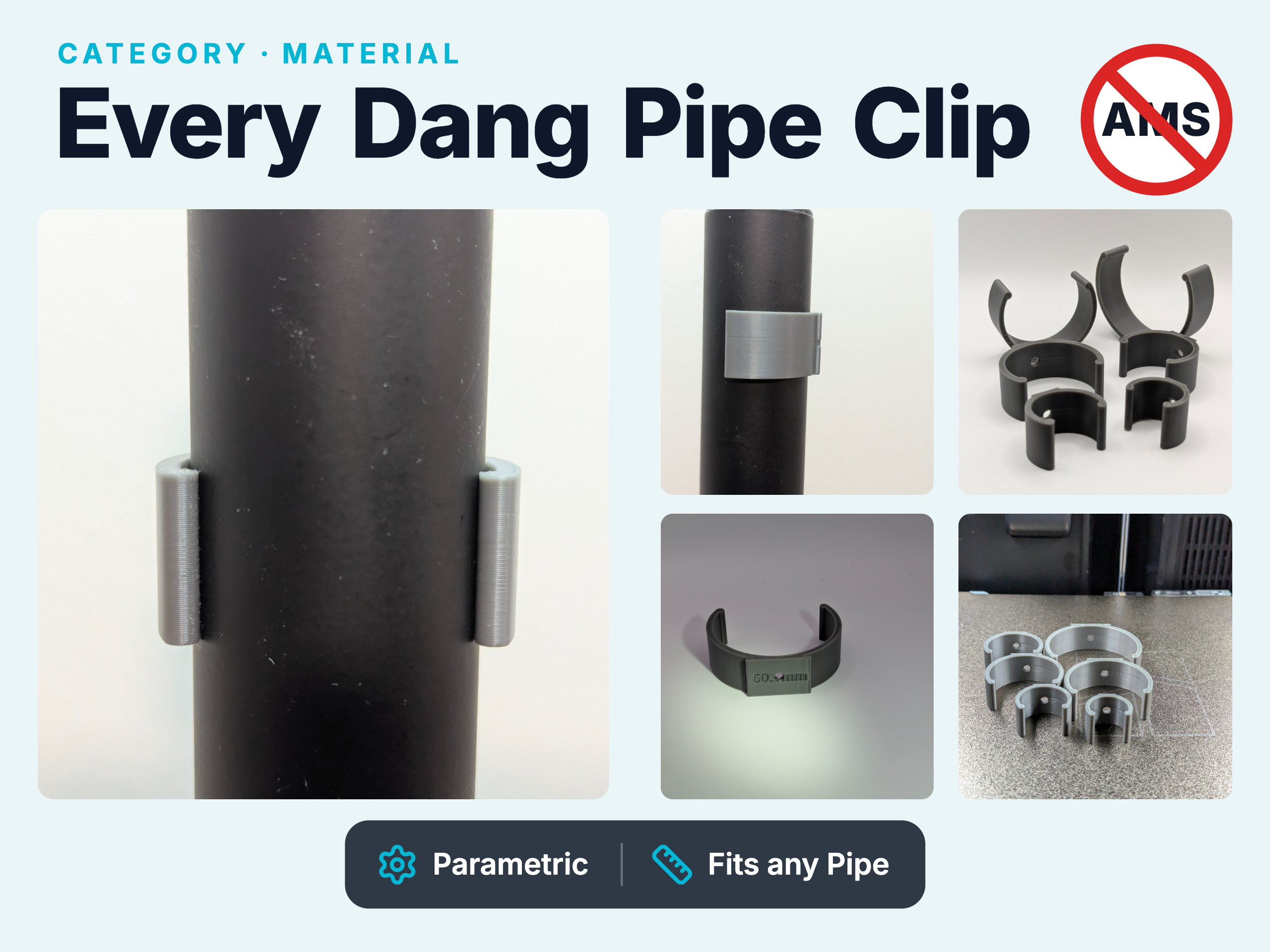
Six image layouts — full-bleed hero, 2×2, triptych, side-by-side, hero-plus-features — tuned for Printables & MakerWorld.
Drop in your photos
Upload product shots and they snap into the layout’s slots. Reorder them anytime.
Brand it
Choose a style family, then add titles, callout bubbles, and icon panels. Drag anywhere or snap to align.
Export both ratios
One click renders crisp 4:3 and 3:4 PNGs — entirely in your browser.
Everything in the box
No plugins, no accounts — everything you need ships with the editor.
Layouts that fit listings
Full bleed, hero + features, 2×2, triptych, side-by-side, and hero + two — switch in a click without losing your work.
Three style families
Elegant, Modern, and Macho each bring their own fonts, palette, and personality. Swap instantly; override accent and background anytime.
Text you actually control
Title, tagline, and eyebrow overlays with per-element color, size, and row-or-stacked word flow. Drag freely or snap to the edges.
Icon + text panels
Build parameter boxes and feature banners from 1,900+ line icons, with your own fill color, corner radius, and opacity.
Callout bubbles
Pop chat-bubble callouts onto any shot to highlight a feature, spec, or selling point.
Private, one-click export
Both 4:3 and 3:4 render at full resolution locally. No account, no server — nothing ever leaves your machine.
Ready to make your next listing look the part?
Bring your photos, pick a layout, and export both ratios in minutes.
Start a project →